






Most SA schools still route every call through one reception desk
If any of these sound familiar, your phone system is frustrating parents and wearing out your front office.
✕
Parents stuck on a busy line
At drop-off, pick-up and when fees are due, parents all call at once. Many hear a busy tone and give up.
✕
Absence calls lost on paper
Sick-day calls are scribbled down while reception juggles other calls, and some never reach the class teacher.
✕
Staff only reachable at their desk
The principal is in a meeting, the coach is on the field and the bus is on the road. Calls go unanswered.
✕
Every call goes through reception
Fees, admissions, transport and sport all hit one receptionist, who has to transfer each call by hand.
Parents reach the right department
Your IVR sends admissions, fees, transport and absence calls to the right team, so reception isn’t transferring every call by hand.
Absence messages straight to email
An absence option in your IVR takes a message and emails it to the attendance inbox, so nothing gets lost on a sticky note.
No busy tones at peak times
At drop-off, pick-up and fee time, call queues hold callers and ring the next available person.
Staff reachable off site
The Othos mobile app puts the principal, coaches and transport staff on the school’s number, wherever they are.
FEATURES FOR SCHOOLS
Every feature your school needs — nothing you don’t
Built around how SA schools work: busy mornings, fee runs, sports days, school trips and parents who want a quick answer.

IVR — parents choose the right department
“Press 1 for admissions, 2 for fees, 3 to report an absence, 4 for transport.” Multi-level menus send each caller to the right team without reception transferring every call.

Call queues — no busy tones
When everyone is on a call, parents wait in a queue instead of hearing a busy tone, and the next free person takes the next call.

Mobile app — staff reachable anywhere
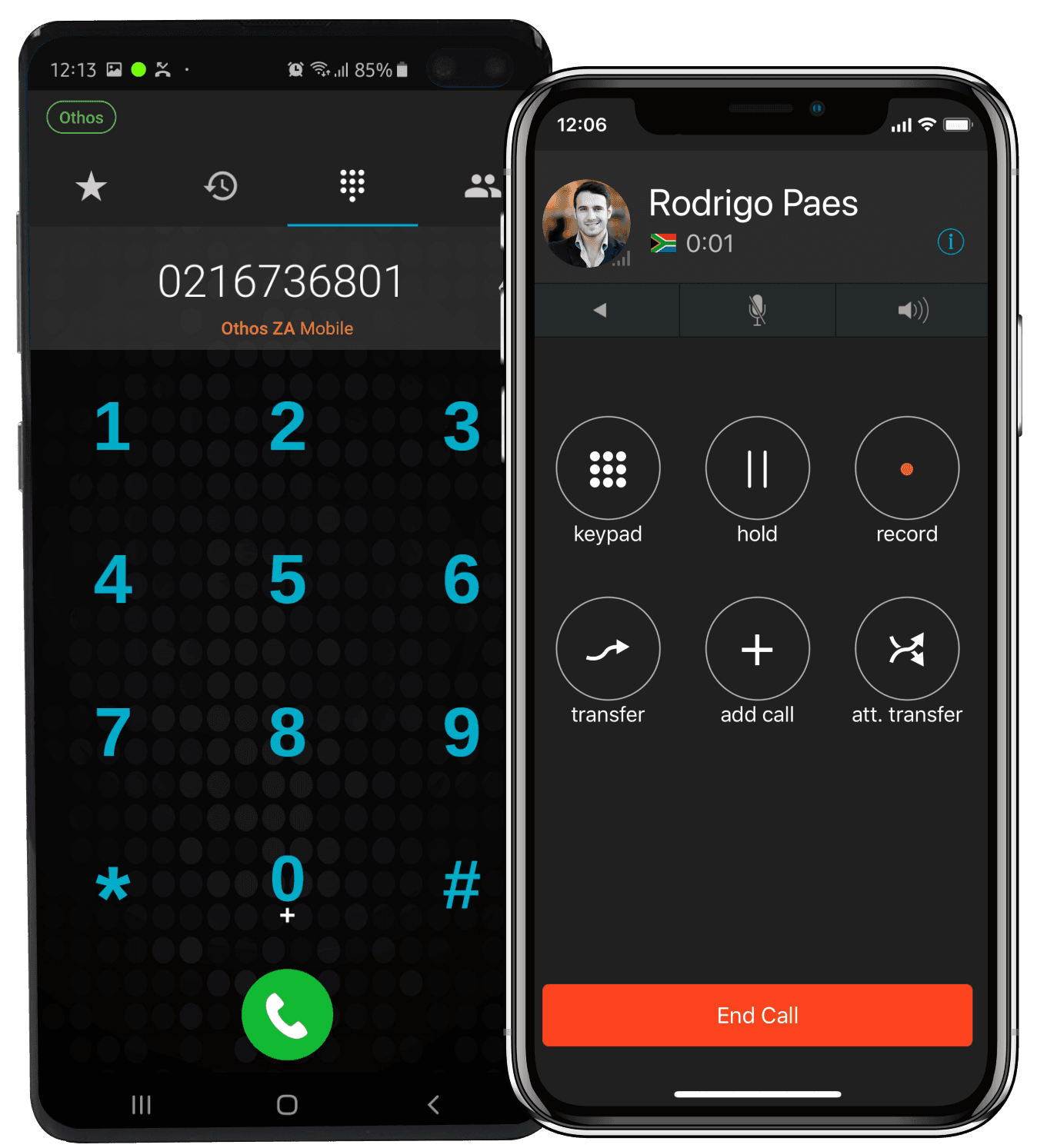
Staff iPhones or Androids become business extensions. Calls ring wherever they are, and the school’s number shows when they call parents back.

Web phone — calls from the reception computer
Reception takes calls in Google Chrome on Windows, Mac or Linux, sees who is free before transferring, and checks with a colleague first using an attended transfer.

Time conditions — after hours and holidays
Outside office hours, calls go to your after-hours greeting or voicemail-to-email. Public holidays are scheduled in advance and switch automatically.

Voicemail to email — absence messages in your inbox
Voicemails arrive as emails with the recording attached, so the attendance office or class teacher can act on them straight away. Every call is logged with date, duration and who handled it.
SCHOOL SCENARIOS
How Othos works in your school day-to-day
These are situations SA schools deal with every term, and how Othos handles each one.
ABSENCES
Parents phone in sick days before 08:00
Callers choose the absence option in your IVR and leave a message. Voicemail-to-email sends it straight to the attendance inbox, and reception’s line stays free.
FEES
Fee statements go out and the bursar’s phone won’t stop
Fee queries go to the bursar’s ring group. When everyone is on a call, parents wait in a call queue instead of hearing a busy tone.
ADMISSIONS
A prospective family calls during an open day
The IVR sends admissions calls to the admissions team’s ring group, so new families reach someone who can help instead of waiting to be transferred.
SCHOOL TRIP
A bus is late back from an away match
Parents choose the transport option, which rings the transport coordinator’s mobile app on the road. The school’s number shows when they call parents back.
AFTER HOURS
Parents call after the office has closed
Time conditions switch to your after-hours greeting automatically, and messages go to voicemail-to-email. Public holidays are scheduled in advance.
A DISPUTED CALL
A parent says they were never told about a fee change
If you record calls to the bursar’s office, you can find the call by date and number and play it back in the browser.
TYPES OF SCHOOLS WE SERVE
From pre-schools to multi-campus school groups
Any school that relies on the phone to stay in touch with parents will benefit.
Independent primary schools
Busy mornings, absence calls and parents who want an answer now. IVR options and call queues take the pressure off reception.
High schools
More departments, more staff and more calls. Ring groups for admissions, the bursar, sport and transport send each call to the right team.
Multi-campus school groups
Every campus on one system, with transfers between campuses, one main number and call logs across the whole group.
Pre-schools & ECD centres
A small team with no full-time receptionist. A professional greeting, voicemail-to-email and the mobile app make sure parents can still get through.
Boarding schools
Parents call in the evenings and on weekends. Time conditions can route after-hours calls to the boarding house staff on duty.
Colleges & tutoring centres
Enquiries from students and parents across several courses. The IVR sends each one to the right department first time.
GETTING STARTED
From demo to live calls in three steps
No engineer visits and no on-site hardware. Our SA-based team handles the setup with you.
1
Book a free demo
Tell us how many staff and campuses you have and which departments parents need to reach. We’ll show you how Othos would route your calls.
2
We configure your system
Our team sets up your IVR, ring groups, call queues, absence line, after-hours greetings and extensions, and ports your existing numbers if needed.
3
Your staff sign in
Reception and admin staff sign in on a desk phone or the web phone, and staff off site on the Othos mobile app. The school’s number shows on every call.
WHY OTHOS
How Othos compares to what most schools use today
Many SA schools still run on an on-site PBX or on staff’s personal cellphones. Here’s how they compare.
Parents queue instead of hearing a busy tone
Callers choose the right department
Absence messages sent straight to email
Staff off site on the school’s number
After-hours greeting switches automatically
Calls recorded and searchable
All campuses on one system
No hardware to maintain on campus
WHAT’S INCLUDED
Everything your school needs in one system
No on-site PBX and no hardware to maintain. Talk to us about the right plan for your school.
IVR auto-attendant — route by department
Absence line with voicemail to email
Call queues — no busy tones at peak times
Ring groups — reception, bursar, admissions
Time conditions — after hours and public holidays
Mobile app — iOS & Android for staff off site
Web phone and desktop app for reception
Voicemail to email — every message in your inbox
Call recording — per extension, SA-hosted
Call logs — every call with date and duration
Multi-campus — all campuses on one system
Number porting — keep your existing numbers
WHAT BUSINESSES SAY ABOUT OTHOS
SA businesses that made the switch — and never looked back

FAQ
Couldn’t find what you were looking for?
write to us at
What happens when lots of parents call at once?
Calls join a call queue instead of hearing a busy tone. The queue rings the staff in that department, and the next free person takes the next call in order.
Can parents reach the bursar, admissions or transport directly?
Yes. Your IVR can have as many options and levels as your school needs. Each option can go to a ring group, a call queue, a single extension or voicemail, and departments can have their own direct numbers too.
Does the after-hours message switch automatically?
Yes. Time conditions switch to your after-hours greeting outside office hours and back again in the morning. Public holidays are scheduled in advance, so the right greeting plays without anyone changing it on the day.
Can staff take school calls when they're off site?
Yes. The Othos mobile app on iOS or Android turns a staff member's phone into a business extension. Calls ring on the app, and the school's number shows when they call parents back.
Can we record calls with parents?
Yes. You choose per extension whether calls are recorded, for example only for the bursar's office. Recordings are stored on SA-based infrastructure, and Othos can play a "this call may be recorded" announcement. We recommend confirming your recording policy with your own compliance adviser.
IVR routing by department, call queues, an absence line and a mobile app for staff off site, in one cloud phone system set up for you by our SA-based team.
EXPLORE OTHOS CLOUD PBX FEATURES

